Battle Cards in Slack with /battle-cards
Pull your team's battle cards into Slack, grouped by type, in the middle of a deal
Steve Documentation Team
slackbattle-cardssales-reppmm
Overview
/battle-cards pulls your team's battle cards into Slack, grouped by type, so the objection handling, proof points, and feature comparisons are one command away in the middle of a deal.
Who it's for: 🎯 Sales Rep to use in the moment · 📣 PMM to curate what reps see.
How to use it
/battle-cards
Steve opens a project picker, then returns the battle cards for that project's competitor, grouped by preset type, for example Feature Comparison, with helpful next steps:
- Share feedback on any battle card directly from here.
- Use filters to narrow the list to more specific battle cards.
- Run
/canvasto open battle card canvases.
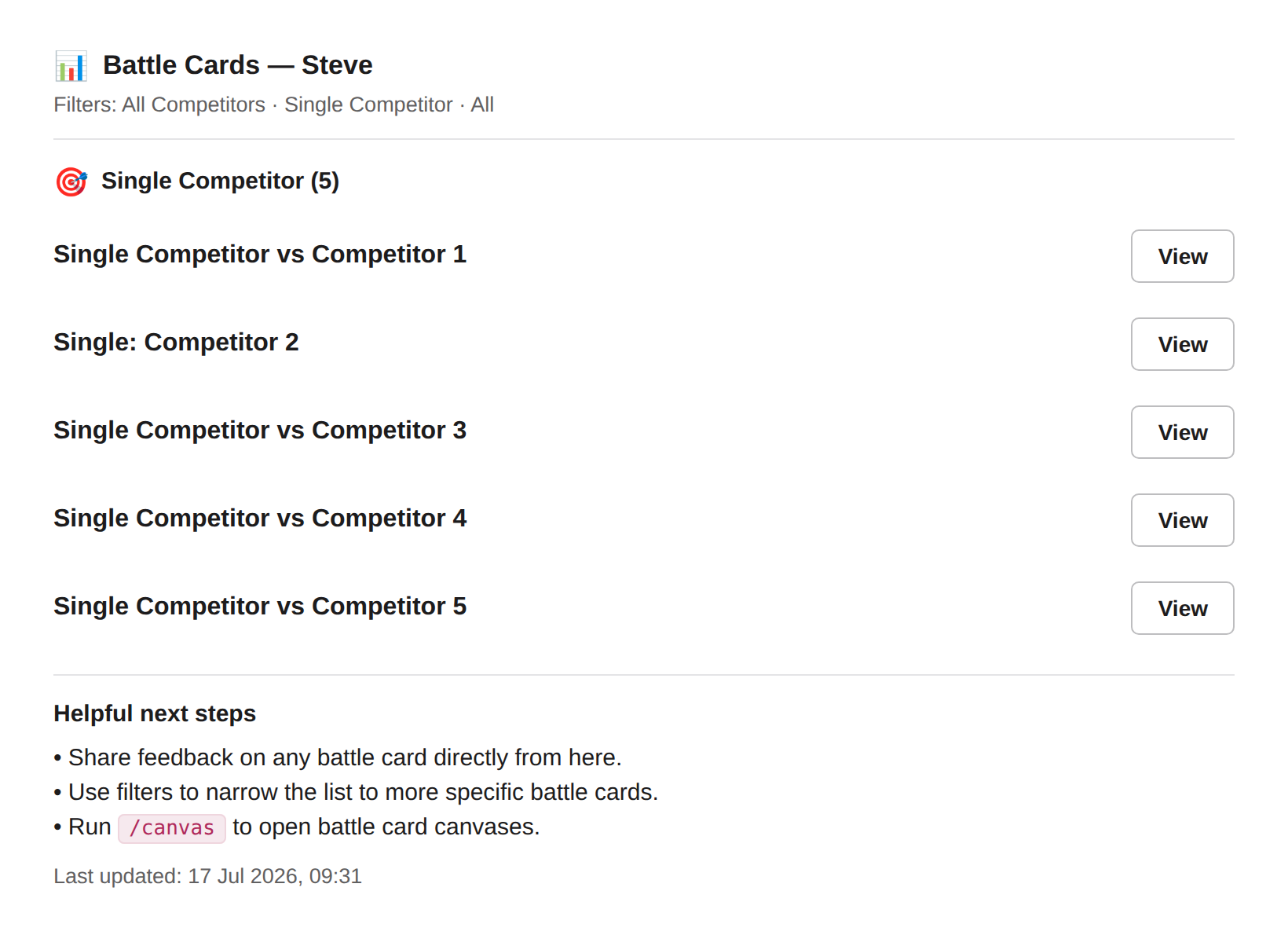
Caption: Battle cards grouped by preset type, each with a View button, plus helpful next steps at the bottom.
Best ways to use it
🎯 For sales reps
- Fire it when an objection lands; get the pre-written response instead of improvising.
- Use the filters to jump straight to the card type you need rather than scrolling.
- Leave feedback on a card right from Slack when a call doesn't match what's written; that's how the cards get better.
📣 For PMM
- The cards reps pull here are the ones you build and maintain. Rep feedback from
/battle-cardsis your signal for what to sharpen. - Keep card types consistent across competitors so reps always know where to look.
Next Steps
- Browse Canvases — the full canvas behind these cards.