Browse Battle Card Canvases with /canvas
Open the you-vs-one-competitor comparison canvases from Slack, by project and competitor
Steve Documentation Team
slackcanvasbattle-cardspmm
Overview
A canvas is the you-vs-one-competitor comparison document your team builds. /canvas lets you browse those shared canvases from Slack, by project and competitor.
Who it's for: 📣 PMM as the owner · 🎯 Sales Rep to browse.
How to use it
/canvas
Steve walks you through a project and competitor picker, then opens the shared canvases for that pairing.
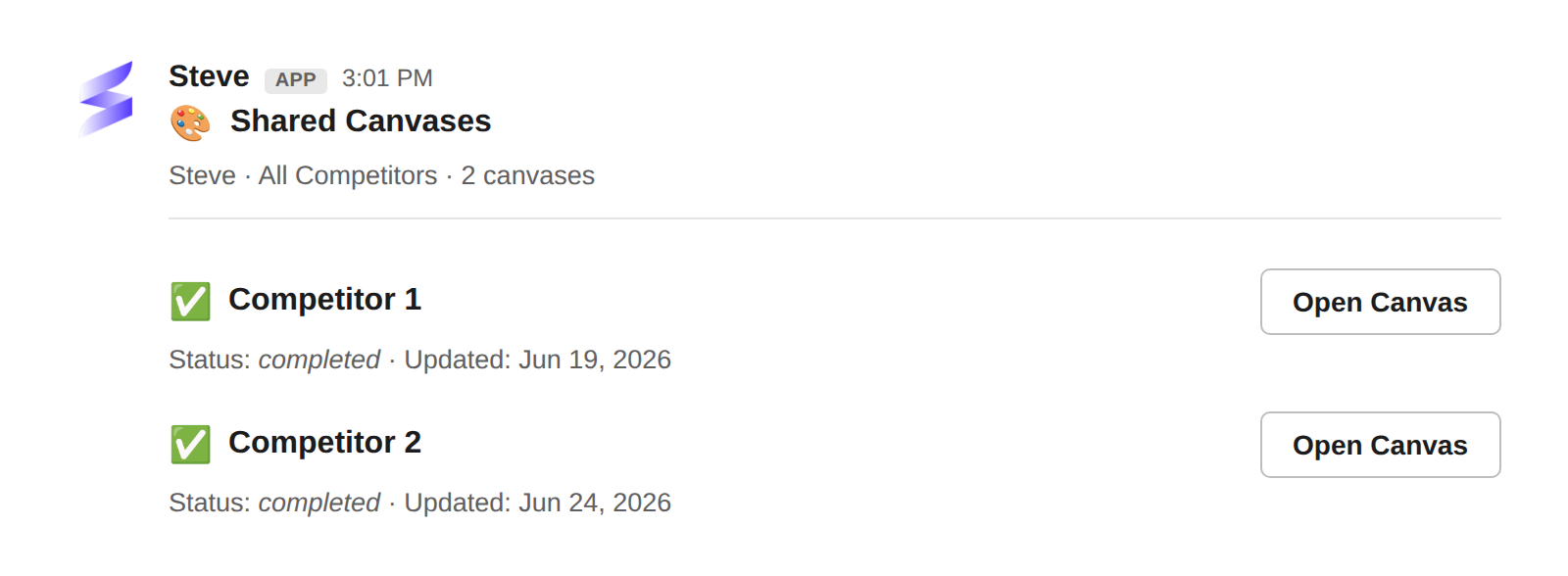
Caption: Each canvas shows its status and last-updated date, with an Open Canvas button to jump straight in.
Best ways to use it
📣 For PMM
- This is the source document behind the battle cards reps consume.
/canvasis the quickest way to check what's live for a given competitor. - Keep one canvas per competitor current, so reps always see an accurate full picture.
🎯 For sales reps
- When a card isn't enough, open the full canvas for the whole picture on a single competitor.
- Use it to prep for a competitive deal where you expect deep questions.
Next Steps
- Battle Cards in Slack — the card-sized cuts of the canvas.