Competitor News with /latest-news
Pull the latest competitor news on demand, or have Steve post digests to a channel
Overview
/latest-news pulls the latest competitor news and updates on demand. And with a little setup, Steve posts the same news to a channel automatically, so nobody has to ask.
Who it's for: 🎯 Sales Rep · 📣 PMM — anyone who needs to stay current on what competitors are doing.
How to use it
/latest-news
Steve walks you through a short picker, project, then competitor, then how far back to look and how many items to return, and posts the latest news in a thread.
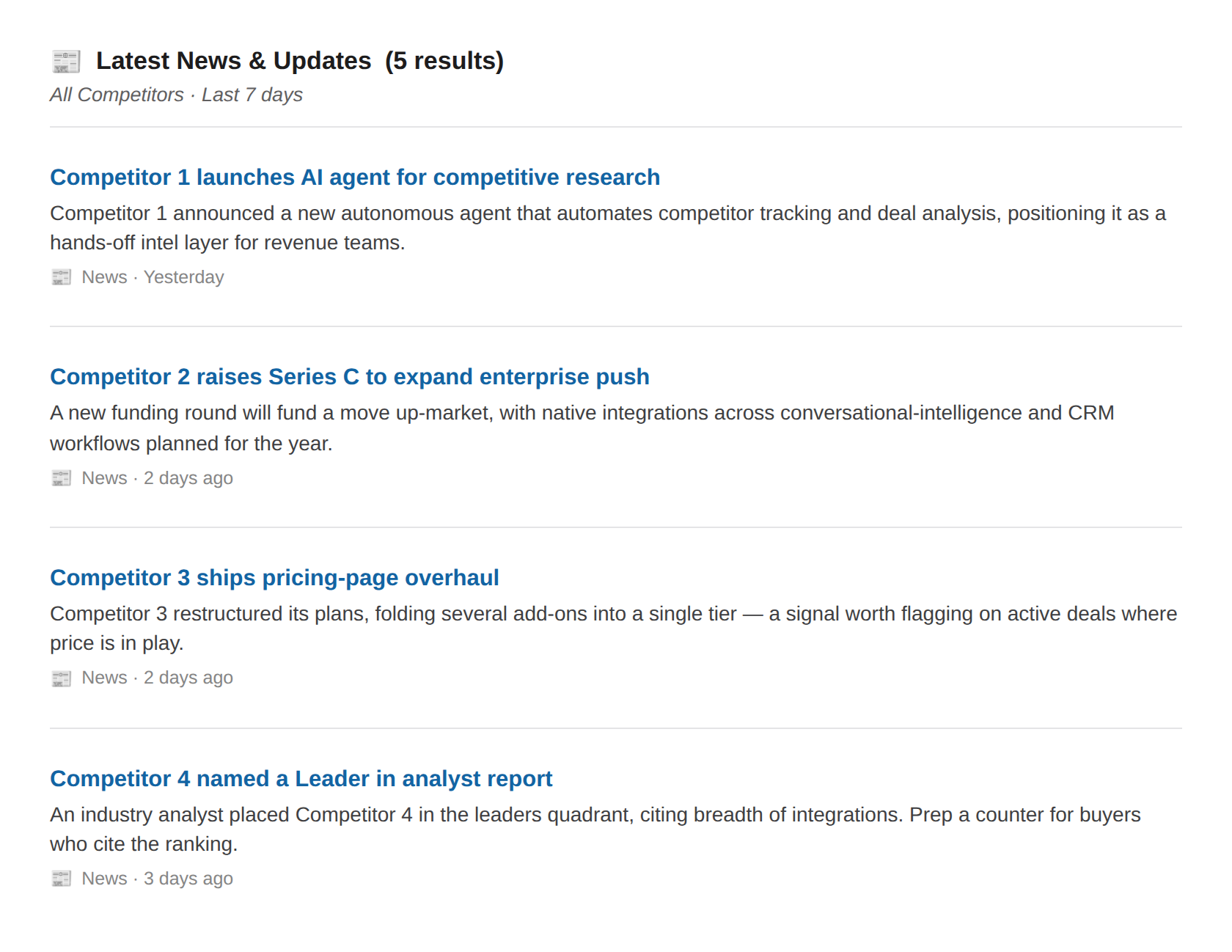
Caption: Each result is a headline, a short summary, and how recent it is, so you can skim before a call.
Set up automatic news digests
You don't have to run the command to stay informed. Configure a channel where Steve posts regular competitor updates on a Daily, Twice a week, or Weekly schedule. See Configure Slack Summaries for the full setup.
Best ways to use it
🎯 For sales reps
- Run it before a competitive call so you're not blindsided by a launch or a funding announcement the buyer just read.
- Watch the digest channel your PMM set up; that's your passive feed.
📣 For PMM
- Configure a Daily, Twice-a-week, or Weekly digest per project so the field is informed without pinging you.
- Use the on-demand command to spot-check what's surfacing before it hits the team channel.
Next Steps
- Chat with Steve — ask what this news means for how you sell against them.