Side-by-Side with /vs-competitor
Post shareable competitor comparison links straight into a deal, from Slack
Overview
/vs-competitor is the fastest way to put yourself head-to-head with a competitor. It posts shareable comparison links you can drop straight into a deal or send to a prospect.
Who it's for: 🎯 Sales Rep — the person defending a deal against a named competitor.
How to use it
/vs-competitor
Steve auto-detects the project assigned to you (or opens a project picker), then posts a Competitor View Links block, one row per competitor, each with a View Details button that opens that competitor's shareable comparison view.
If a project has no comparison links set up yet, Steve tells you so instead of returning an empty result.
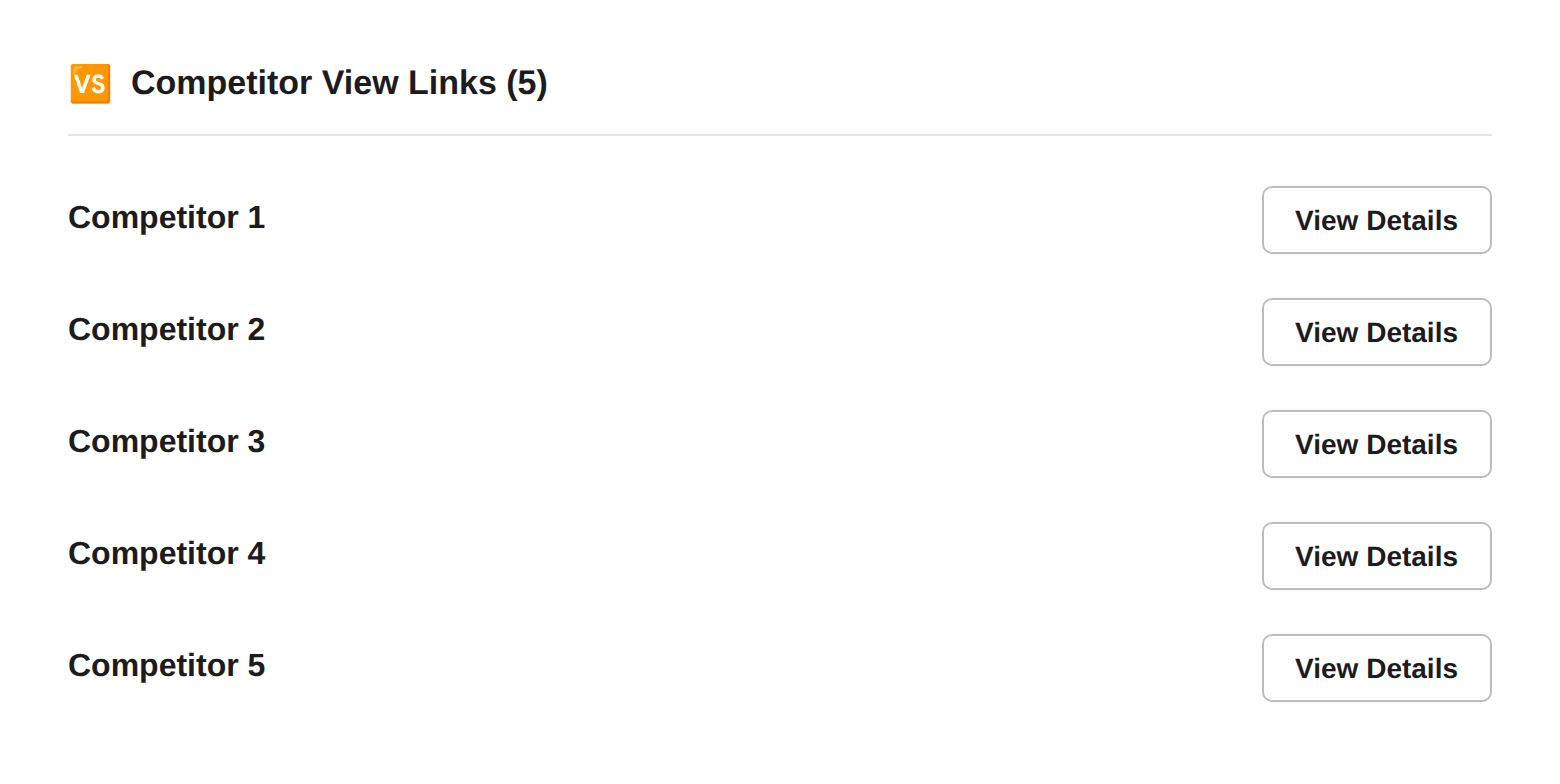
Caption: One row per competitor, each with a View Details button that opens a live, shareable comparison page.
Best ways to use it
- Send the link, don't rebuild the pitch. Each View Details link is a live, external comparison page; paste it into the deal thread or forward it to the buyer.
- Pull it during a competitive call. When a prospect names who else they're evaluating,
/vs-competitorgets you the side-by-side in seconds. - Trust it's current. The comparison pages reflect the latest intel your team has curated, so you're never sending a stale deck.
Next Steps
- Battle Cards in Slack — the objection handling and proof points behind the comparison.
- Browse Canvases — the deeper you-vs-one-competitor document.