Step 5: View Analytics
Track battle card engagement and understand how your team uses competitive intelligence
Steve Documentation Team
onboardinganalyticsmetrics
Analytics show how your team engages with battle cards. Track views, time spent, and sharing patterns to understand which competitive intelligence is most valuable.
How to View Analytics
- Navigate to Battle Cards in the sidebar
- Click the Analytics tab at the top
- Review engagement metrics for all battle cards
Key metrics include total views, unique viewers, average time spent, and sharing activity. Analytics help identify which competitors require more sales enablement content.
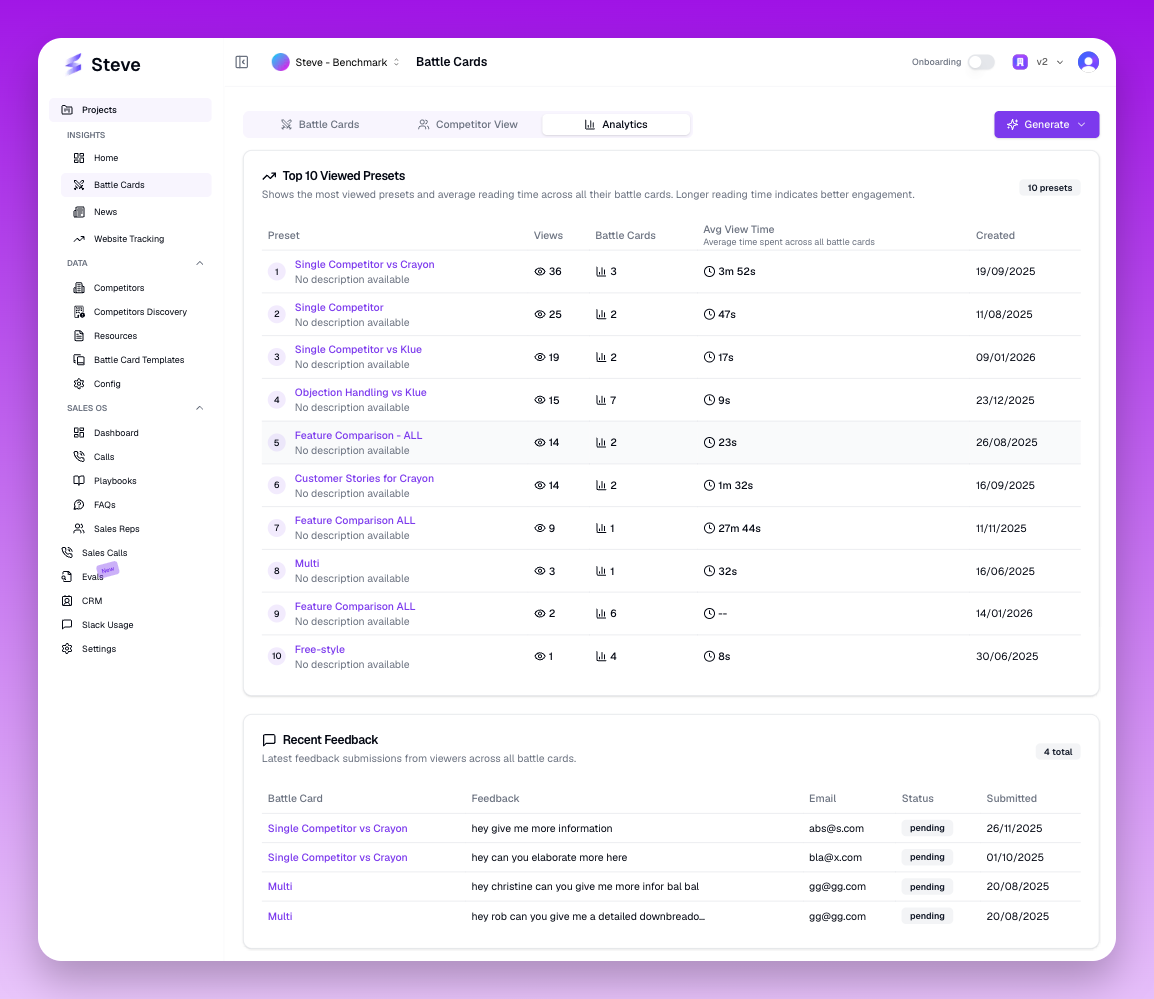 The Analytics tab displays engagement data for all battle cards
What Happens Next
Use analytics insights to prioritize which battle cards to update and which competitors require deeper research. High-engagement cards indicate active competitive threats.