Step 11: Integrate Slack
Connect Slack to receive competitor updates and share battle cards in channels
Steve Documentation Team
onboardingintegrationsslack
Connect your Slack workspace to receive automated competitor updates, share battle cards in channels, and enable team collaboration on competitive intelligence.
How to Integrate Slack
- Navigate to Settings in the top navigation
- Click the Slack tab
- Click Connect Slack Workspace
- Authorize Steve in your Slack workspace
- Grant requested permissions
Slack integration enables automatic news summaries, battle card sharing via slash commands, and competitor alert notifications directly in your team channels.
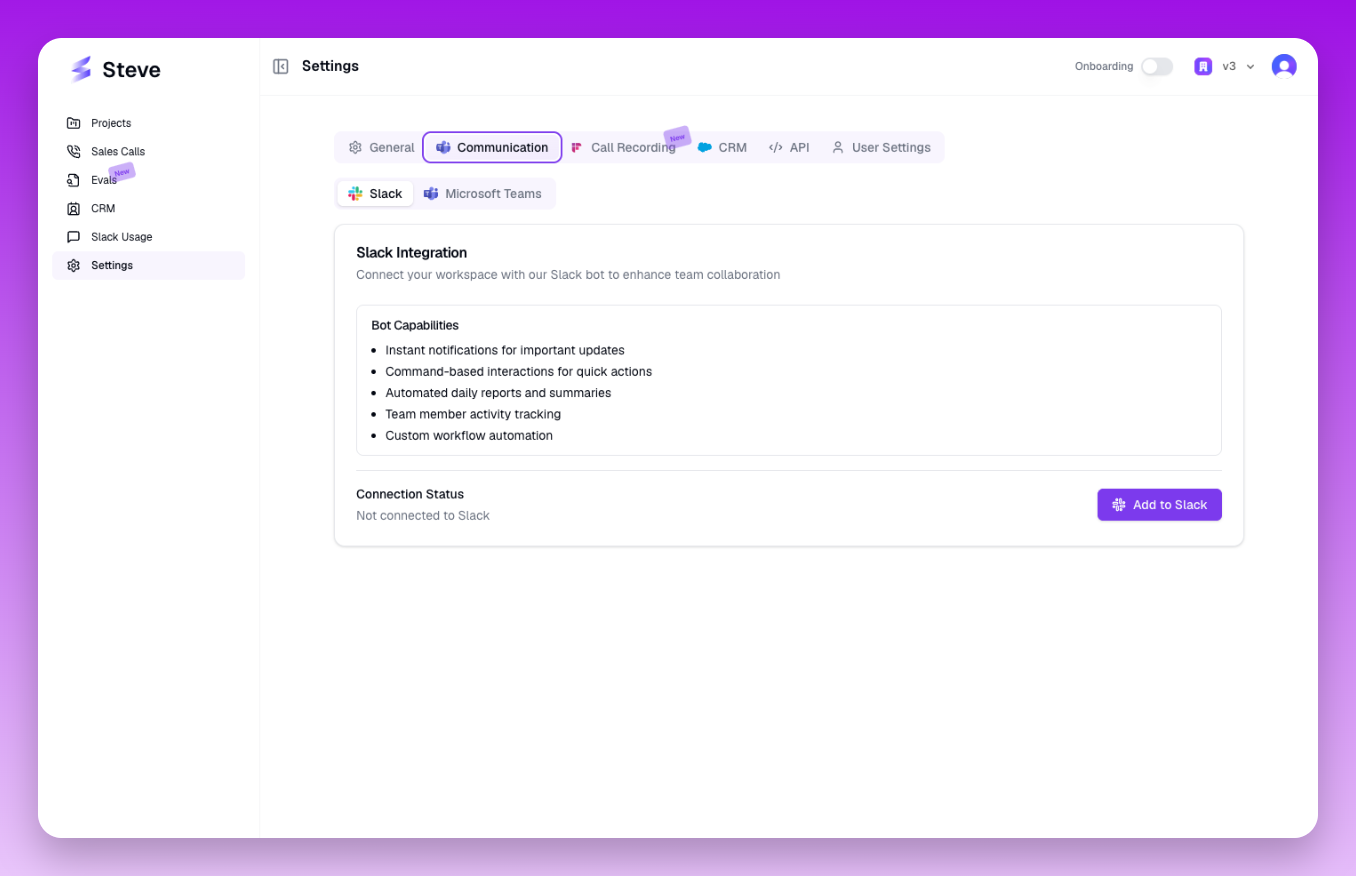 The Slack integration page with authorization button
What Happens Next
Once connected, configure which channels receive competitor updates and set notification preferences. Your team can access Steve's competitive intelligence without leaving Slack.