How to Research Competitors
View automated competitive research and insights gathered by Steve
Steve Documentation Team
competitorsresearchintelligence
Overview
Steve automatically researches competitors to gather pricing, features, positioning, and market activity.
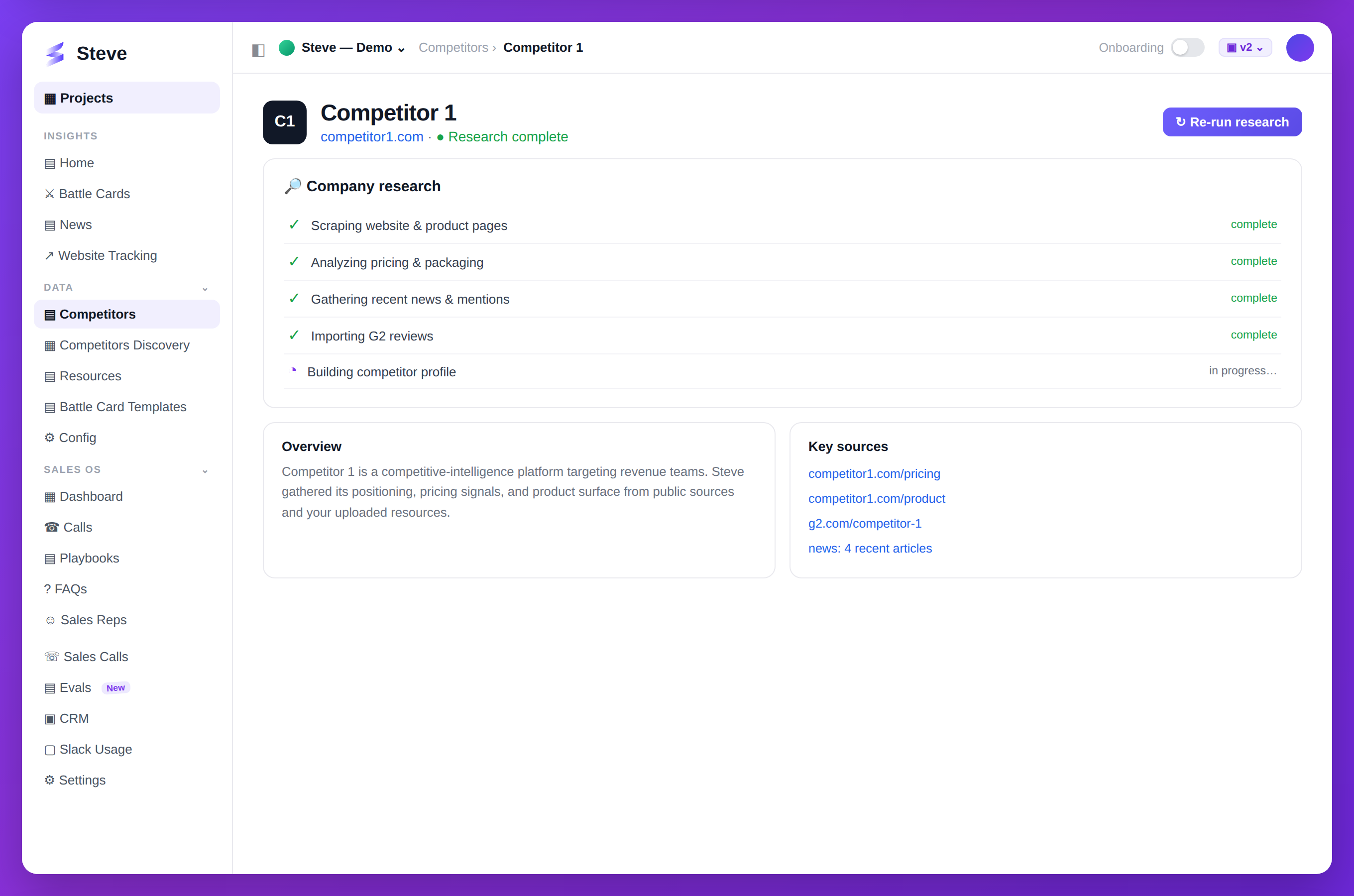
Caption: Steve researches each competitor — scraping the site, pricing, news, and reviews into a profile.
View Research Status
On the Competitors page, each competitor shows research status:
- Pending - Research queued
- Partial - Some data collected
- Complete - Full research done
Trigger Research
Automatic Research
Research starts automatically when you:
- Add a new competitor with Add & Research
- Track a previously untracked competitor
Manual Research
Click the research icon on any competitor to trigger fresh research.
View Research Results
Click a competitor to see their profile.
Research includes:
- Company overview - Mission, products, positioning
- Pricing - Plans, tiers, pricing model
- Features - Product capabilities and roadmap
- Market activity - News, announcements, funding
- Social presence - LinkedIn, Twitter activity
Research Data Sources
Steve gathers data from:
- Company website and docs
- Product pages and pricing
- News articles and press releases
- Social media
- Review sites (G2, Capterra)
- Public filings and reports
Refresh Research
Research auto-refreshes weekly. For immediate updates:
- Navigate to competitor profile
- Click Refresh Research
- Wait for updated data
Expected Outcome
✅ Comprehensive competitor data ✅ Automated weekly updates ✅ Ready for battle card generation
Next Steps
- Generate Battle Cards - Use research insights
- Add More Competitors - Expand coverage