Transcripts, Briefs & Key Points
How Steve assembles a Zoom Revenue Accelerator transcript, and where to read the AI brief and key points for a call
Overview
The transcript is the part of a Zoom conversation that does the most work in Steve. It's what the AI brief is written from, what competitor detection reads, and what transcript search matches against.
Who it's for: 🎯 Sales Rep · 📣 PMM.
How the transcript is assembled
Zoom Revenue Accelerator doesn't hand over one clean timeline. It returns the transcript nested inside each participant — one block of speech per person. On its own that's unreadable: you'd get everything the rep said, then everything the prospect said.
So Steve rebuilds it:
- Flattens every participant's transcript into a single list of segments.
- Sorts those segments chronologically, so the conversation reads in the order it actually happened.
- Attributes each segment to the person who said it, by name.
- Marks the rep on the call as Internal and everyone else as External.
The result is a normal speaker-by-speaker transcript — Name: what they said — with timestamps, stored against the call and scoped to your organization.
The Call Brief
From that transcript Steve writes a brief and a set of key points, in your organization's language. Open them from the View Brief action on any call in Sales Calls.
The drawer has two tabs:
| Tab | What's in it |
|---|---|
| Brief | A short narrative summary of the conversation — what it was about and how it went. |
| Key Points | The specific takeaways, as a list. |
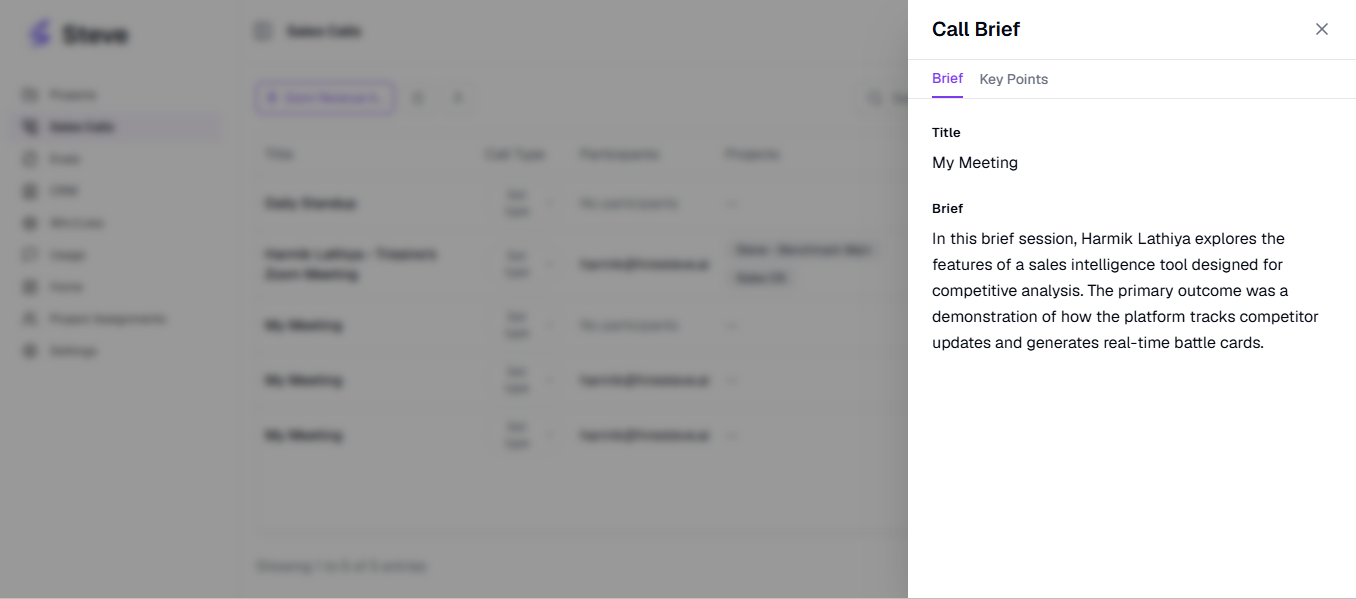
Caption: View Brief opens the AI summary for a single call, with key points on the second tab.
If a call has no brief, the drawer shows No key points available. — see When a brief or transcript is missing below.
Searching transcripts
The search box on Sales Calls searches transcript text across every imported call, not just Zoom ones. Results show a match count per call so you can tell which conversations really covered a topic versus mentioning it once.
Pair it with the source filter set to Zoom Revenue Accelerator to search only your Zoom conversations. Details in Viewing Calls in Sales Calls.
Chatting with a transcript
Chat with this call opens a chat scoped to that one conversation, so you can ask about it directly rather than reading it end to end — "what did they say about pricing?", "what did we commit to?"
Chat with Calls does the same across your whole call history.
When a brief or transcript is missing
| What you see | Why | What to do |
|---|---|---|
| The call imported with an empty transcript | Audio Transcription is off on the Zoom account, or the call was very short or still being processed by ZRA when Steve imported it. | Turn on Audio Transcription in Zoom for future calls. Calls already imported won't be re-fetched. |
| The transcript is there but there's no brief | The summary step failed for that one call. Steve imports the call anyway rather than dropping it. | Nothing to fix — the transcript is still searchable and still feeds competitor detection. |
| One call has no transcript, others are fine | Zoom failed to return the transcript for that conversation. Each call is processed independently, so it doesn't affect the rest. | Usually transient. If it's widespread, check Zoom-side transcription. |
Privacy
Transcripts are stored per organization and are only readable within the organization that imported them. Steve requests read-only access to Zoom — it cannot start, stop, edit, or delete recordings in Zoom, and it never posts anything back.
Next Steps
- Competitive Insights from Zoom Calls — what Steve extracts from the transcript.
- Viewing Calls in Sales Calls — filters and search.
- Troubleshooting — empty transcripts and missing calls.