How to Complete Your Profile Setup
Fill out your job position and team size to personalize your Steve experience
Steve Documentation Team
onboardingprofilesetup
Overview
After creating your account, complete your profile by selecting your job position and team size. This helps Steve customize your experience.
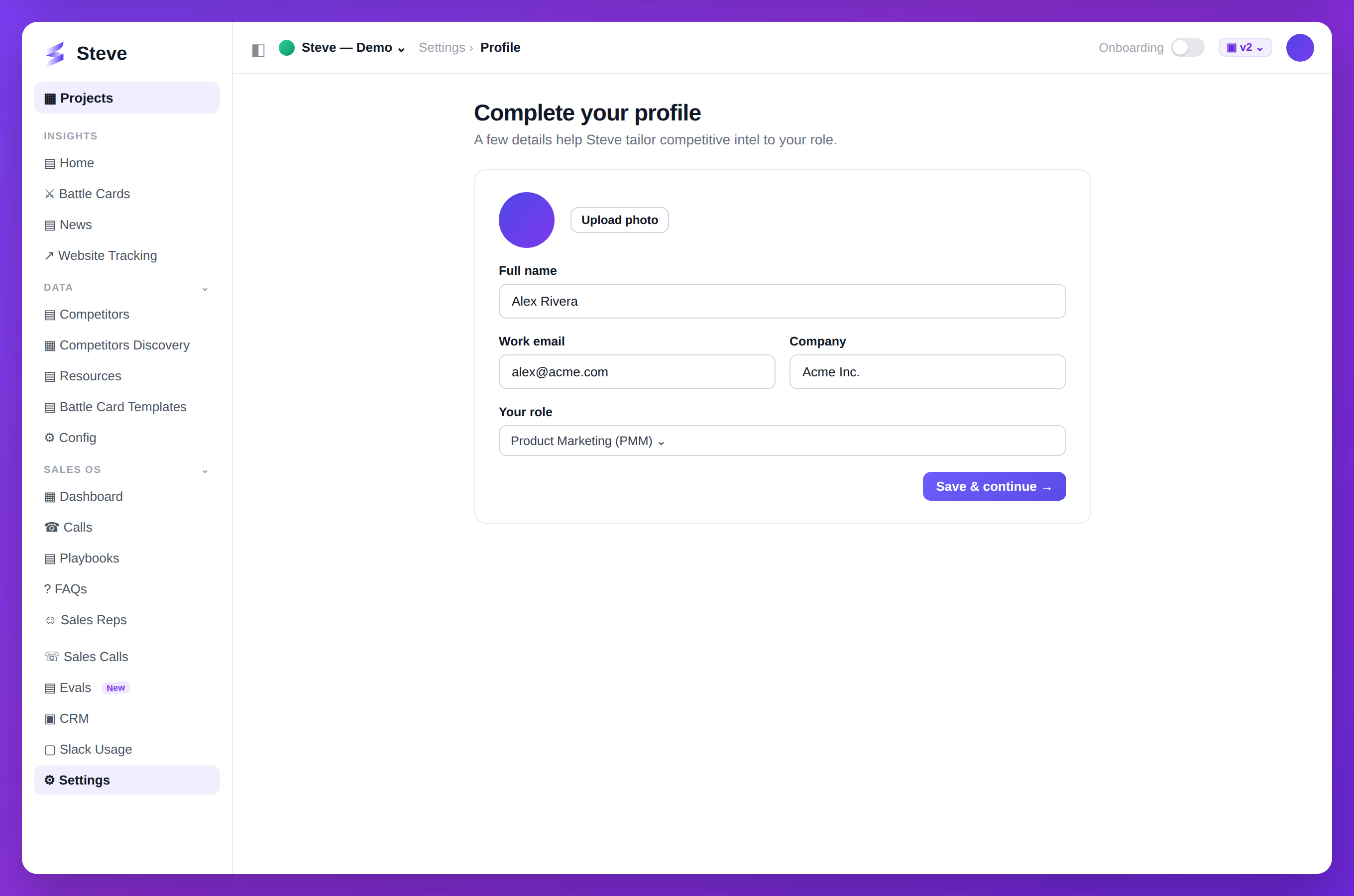
Caption: Complete your profile so Steve tailors intel to your role.
Access the Setup Page
After email verification, you'll automatically land on /setup.
Select Your Job Position
Step 1: Open Job Position Dropdown
Click the Job Position field.
Step 2: Choose Your Position
Available options:
- Product Manager
- Product Marketing Manager (PMM)
- Chief Product Officer (CPO)
- Chief Marketing Officer (CMO)
- Sales Enablement
- Sales Manager
- RevOps
- Engineering Manager
- Software Engineer
- Designer
- Others
Custom Position
If you select Others, a text input appears.
Enter your custom job title and proceed.
Choose Your Team Size
Select from 5 options:
- 1-5 members - Small team or individual
- 6-10 members - Growing team
- 11-25 members - Medium team
- 26-50 members - Large team
- 50+ members - Enterprise team
Submit Your Profile
After selecting both fields, click Continue.
Expected Outcome
✅ Profile saved with job position ✅ Team size recorded ✅ Redirected to organization creation
Troubleshooting
Can't submit?
- Ensure both Job Position and Team Size are selected
- If "Others" is selected, enter a custom position
Wrong selection?
- You can update your profile later in Settings
Next Steps
- Create Your Organization - Continue onboarding
- Integrate Slack - Connect your workspace