How to Integrate Slack with Steve
Connect your Slack workspace to receive competitive intelligence updates directly in Slack
Overview
Connect Steve to Slack to receive automated competitive intelligence updates, bot notifications, and daily summaries in your channels.
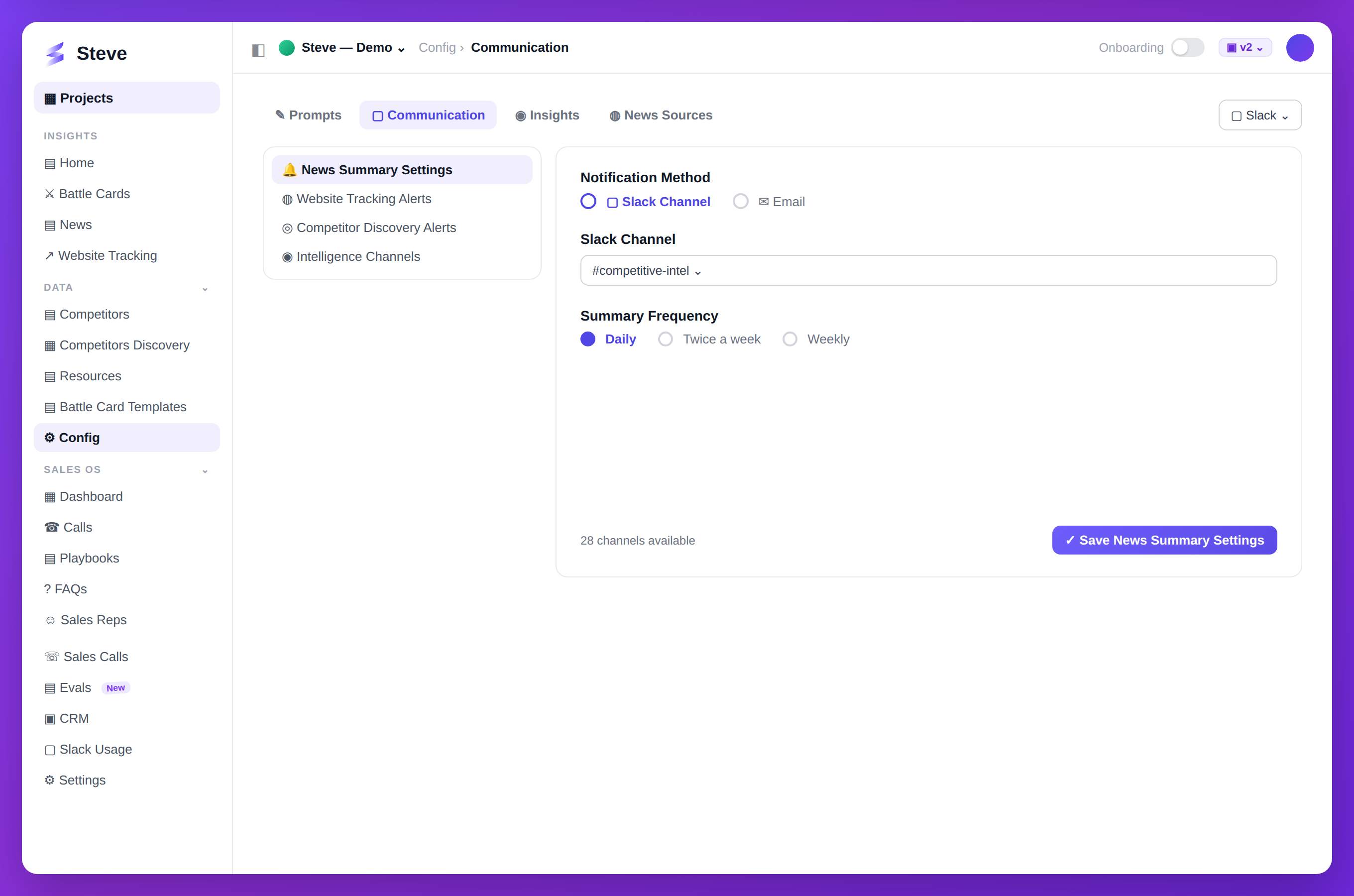
Caption: Connect Slack and choose where Steve posts competitive updates.
Prerequisites
- Completed organization setup
- Slack workspace admin permissions (or ability to request app installation)
Integration Steps
After creating your organization, you'll see the Slack integration page.
Features You'll Get
Bot Updates
- Automated competitive intelligence notifications
- Real-time alerts on competitor activity
Command Interaction
- Use slash commands to query Steve
- Get instant competitive insights
Daily Summaries
- Scheduled summaries delivered to your channel
- Customizable frequency and content
Connect Slack
Click Connect Slack. You'll be redirected to Slack's OAuth page.
Grant Permissions
Steve requests these permissions:
- Read channel history
- Join channels
- Post messages
- Read files
- Customize chat appearance
Click Allow to authorize Steve.
Confirmation
After authorization, you'll return to Steve with a success message.
You'll be redirected to /projects/new.
Skip Slack Integration
Not ready to connect Slack? Click Skip for now.
You can add Slack integration later from project settings.
Expected Outcome
✅ Slack workspace connected to Steve ✅ Steve bot added to your workspace ✅ Ready to configure channel notifications ✅ Redirected to project creation
Troubleshooting
Authorization failed?
- Ensure you have workspace admin permissions
- Check that your workspace allows third-party apps
Bot not appearing?
- Refresh Slack
- Check Apps section in Slack sidebar
Next Steps
- Create Your First Project - Start tracking competitors
- Configure Slack Summaries - Set up automated updates