How to Create Your First Project
Set up your first competitive intelligence project in Steve
Steve Documentation Team
onboardingprojectsetup
Overview
Projects organize your competitive intelligence work. Create one project per product, market, or business unit you're tracking.
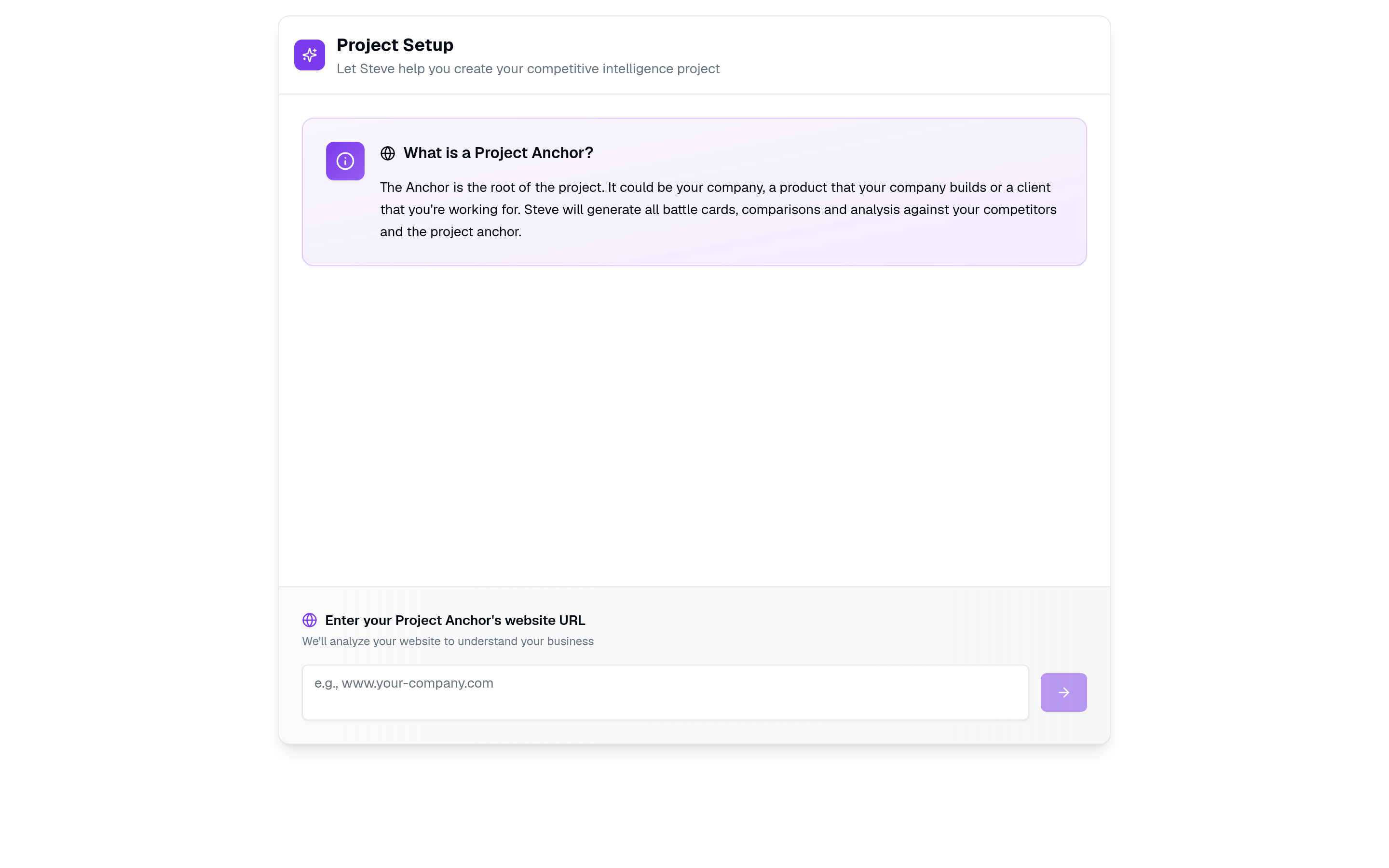
Caption: Create your first project by giving Steve your anchor — your company or product.
Start Project Creation
Navigate to /projects/new or click New Project from the projects page.
Set Up Your Project
The AI-guided interface helps you create your project through conversation.
Provide Project Details
Answer the setup questions:
- Project name - Product or market you're tracking
- Industry - Your business sector
- Target market - Geographic or demographic focus
Complete Setup
Follow the prompts until your project is created.
Expected Outcome
✅ New project created ✅ Ready to add competitors ✅ Project dashboard accessible
Next Steps
- Add Competitors - Start tracking competitors
- Upload Resources - Add knowledge base content