Competitor Digests with Slack News Summary
Have Steve post scheduled competitor news summaries into a Slack channel, no command needed
Overview
/latest-news is on-demand. A Slack news summary is automatic. Set it once and Steve posts a rolled-up digest of competitor news and website changes into a channel on a schedule, so the whole team stays current without anyone running a command.
Who it's for: 📣 PMM who configures it · 🎯 Sales Rep who reads it in-channel.
What a summary looks like
Steve posts a single, grouped digest, product launches, pricing moves, and other changes, per competitor, right in the channel.
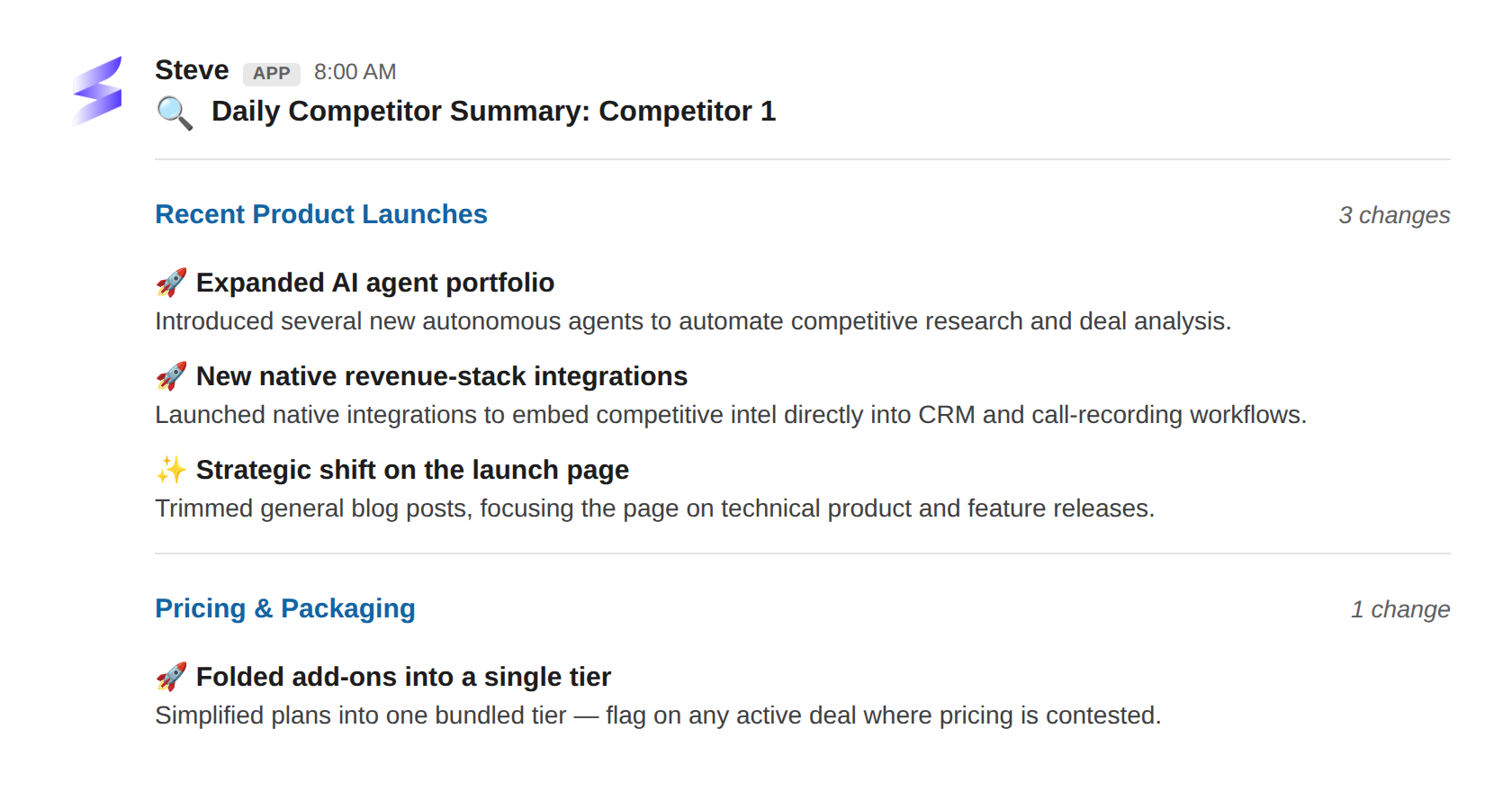
Caption: A daily digest grouped by change type, delivered to your channel so nobody has to ask.
Set it up
Configure the summary from the project:
- Open the project's Settings → Communication, choose Slack, then News Summary Settings.
- Notification channel — pick the Slack channel Steve posts to. (If your organization has connected more than one chat app, pick Slack first.)
- Email — optionally switch this on to send the digest to one or more email addresses as well, or instead of a channel.
- Summary Frequency —
Daily,Twice a week, orWeekly. - Click Save News Summary Settings. Steve delivers the digest on that cadence.
For the full walkthrough with every option, see Configure Slack Summaries.
Best ways to use it
📣 For PMM
- Set one digest per project so each team gets only its competitors.
- Start with
Dailyfor fast-moving categories; drop toWeeklyif the channel gets noisy.
🎯 For sales reps
- Treat the summary channel as your passive feed, skim it with your morning coffee.
- Seeing a launch or pricing move here is your cue to pull the latest
/battle-cardsbefore the next call.
Next Steps
- Competitor News with /latest-news — pull the same news on demand.
- Intelligence Detection — capture the intel your team hears first.
- Configure Slack Summaries — the full setup reference.