Steve in Slack: Overview
What Steve can do inside Slack, and which command is for sales reps vs PMM
Overview
Steve brings competitive intelligence into the tool your team already lives in. Ask a question, prep for a call, or pull up battle cards without leaving Slack, and let competitor news land in your channels automatically.
Who it's for: 🎯 Sales Rep · 📣 PMM — everyone on a GTM team. Each page in this section is tagged with the role it serves.
What you can do in Slack
Three ways to interact: type a command, chat with Steve directly, or let Steve post to a channel on a schedule.
| Command | What it does | Who it's for |
|---|---|---|
DM Steve / @Steve | Ask anything, no command needed | 🎯 · 📣 |
/prep (add-on) | Prep for your next meeting or a specific person | 🎯 |
/battle-cards | View battle cards for a competitor | 🎯 |
/canvas | Browse shared battle card canvases | 📣 |
/latest-news | Latest competitor news and updates | 🎯 · 📣 |
Utility: /steve pings the bot, which replies when it's live, a quick way to confirm the connection.
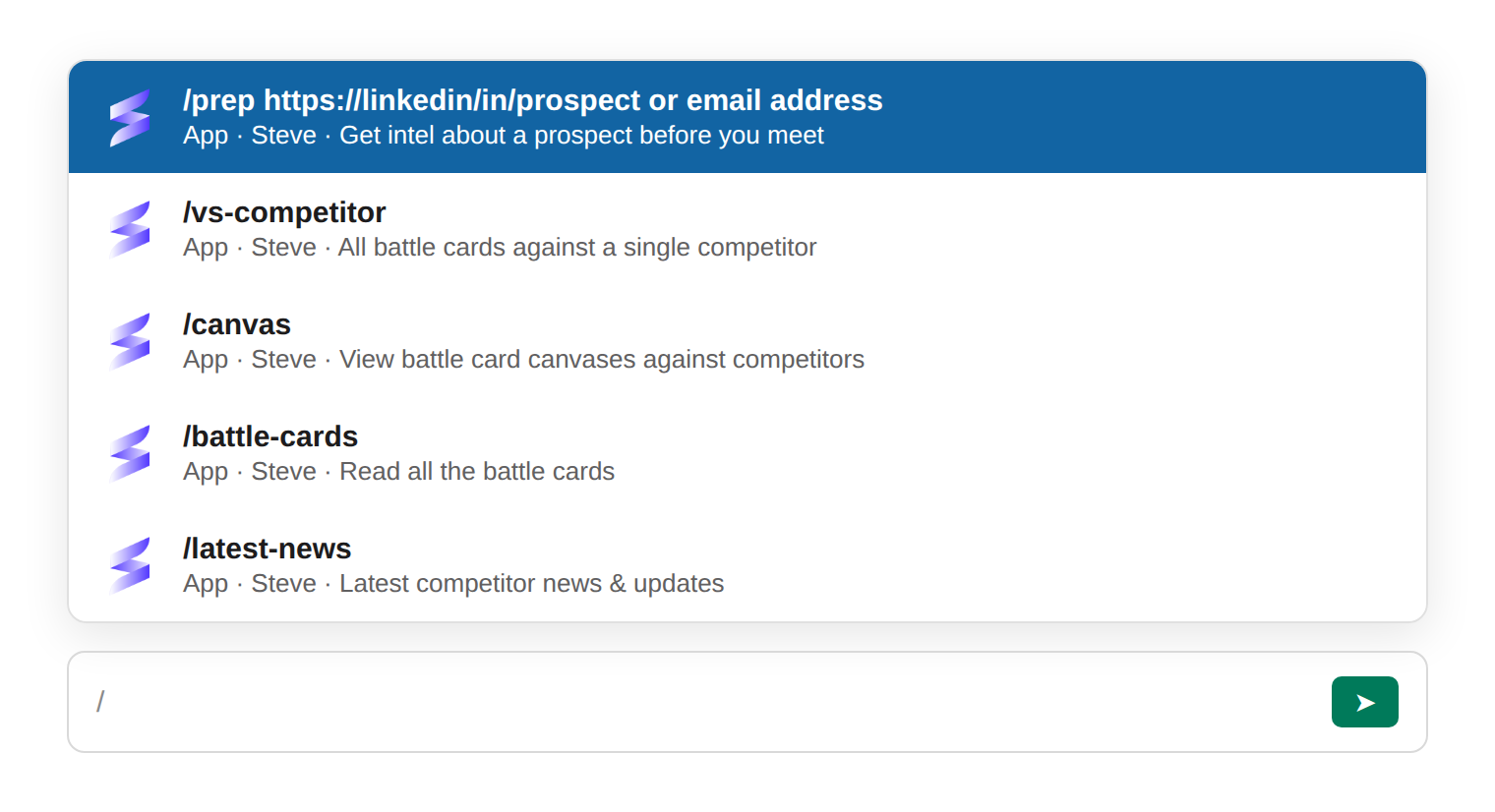
Caption: Type / in any Slack message box and Steve's commands surface with a one-line hint for each.
Add-on.
/prepis available as an add-on. If it isn't enabled for your workspace, talk to your admin to turn it on. See Prep with /prep.
Projects and rep assignments
- Reps can be assigned to a project. Once a rep is assigned,
/battle-cardsand/latest-newspreselect that project, so they don't have to pick one. - Steve routes by competitor automatically. When a competitor is mentioned, Steve determines which project that competitor belongs to and answers from the right one.
Set up first
Before commands work, connect Slack once:
- Integrate Slack — connect your workspace over OAuth.
- Configure Slack Summaries — schedule competitor news into a channel.
Tips for the whole team
- Add more intel to your projects — news, docs, and call transcripts all improve the quality of answers.
- DMs keep context — ask follow-up questions naturally without repeating yourself.
- Channels stay clean — Steve always replies in threads, so nothing gets buried.
Next Steps
- Chat with Steve — the fastest way in.
- Prep with /prep — walk into meetings briefed (add-on).
- Intelligence Detection — let Steve capture the intel your team hears first.
- Slack News Summary — schedule competitor digests into a channel.